
How to Sell on Instagram Without a Website (Free 5-Step Guide)
You want to sell on Instagram without a website — and for a small shop, a website is genuinely optional. What you actually need is three things: a place to show products, a way to take orders, and a way to get paid. The five steps below give you all three on a free page, followed by the honest version of where this setup tops out. 0% MinglyLink fee: you’re paid via your own payment link, processor fees only.
Mohanned Farahat
Founder, MinglyLink
1 Is Selling Without a Website Actually Possible?
Instagram already does the hardest part of e-commerce for you: it puts your products in front of people. What it doesn't give you is the plumbing — somewhere to list prices, a way for a customer to say "I'll take it," and payment. A website is one way to add that plumbing. It's also the most expensive and slowest way to start: themes, hosting, apps, and a checkout flow that a 40-follower shop doesn't need yet.
The alternative stack that small shops actually run: bio-link storefront + chat ordering + simple payments. Every piece is free, and you can set the whole thing up in an evening. Let's build it.
2 How to sell on Instagram without a website in 5 steps
The whole setup takes about half an hour and mirrors exactly how MinglyLink works today: a free page, the shop switched on, your own payment link, one URL in your bio, and an Orders page in the studio. There is no checkout to configure, because MinglyLink doesn't process payments — buyers pay you through the link you already use.
Step 1: Create a free MinglyLink page and claim ming.ly/yourname
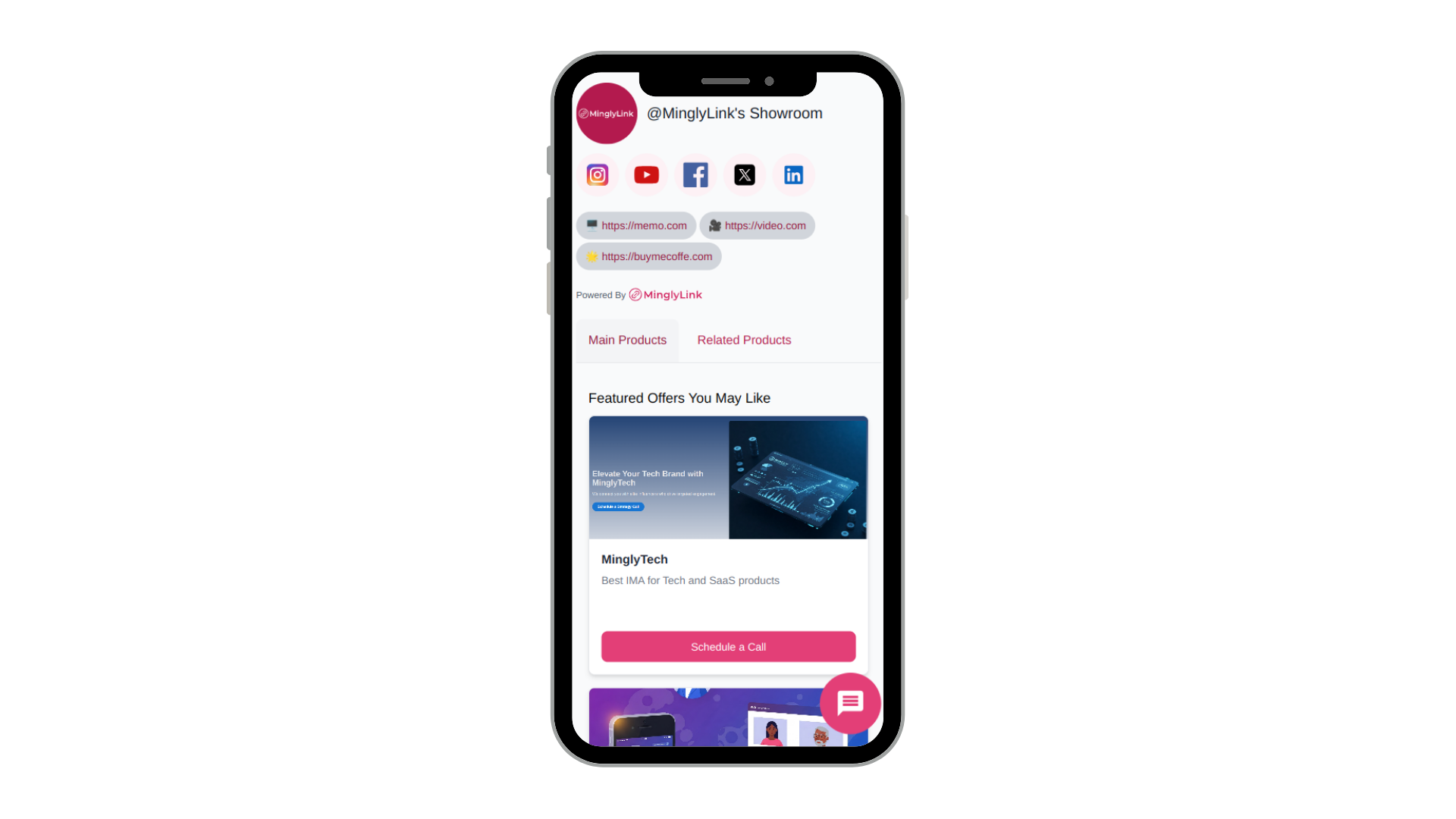
Sign up free, pick a username and you get a short URL like ming.ly/yourname. This one page will hold your products, your other channels and your contact buttons — it is the “website” your Instagram bio points at.
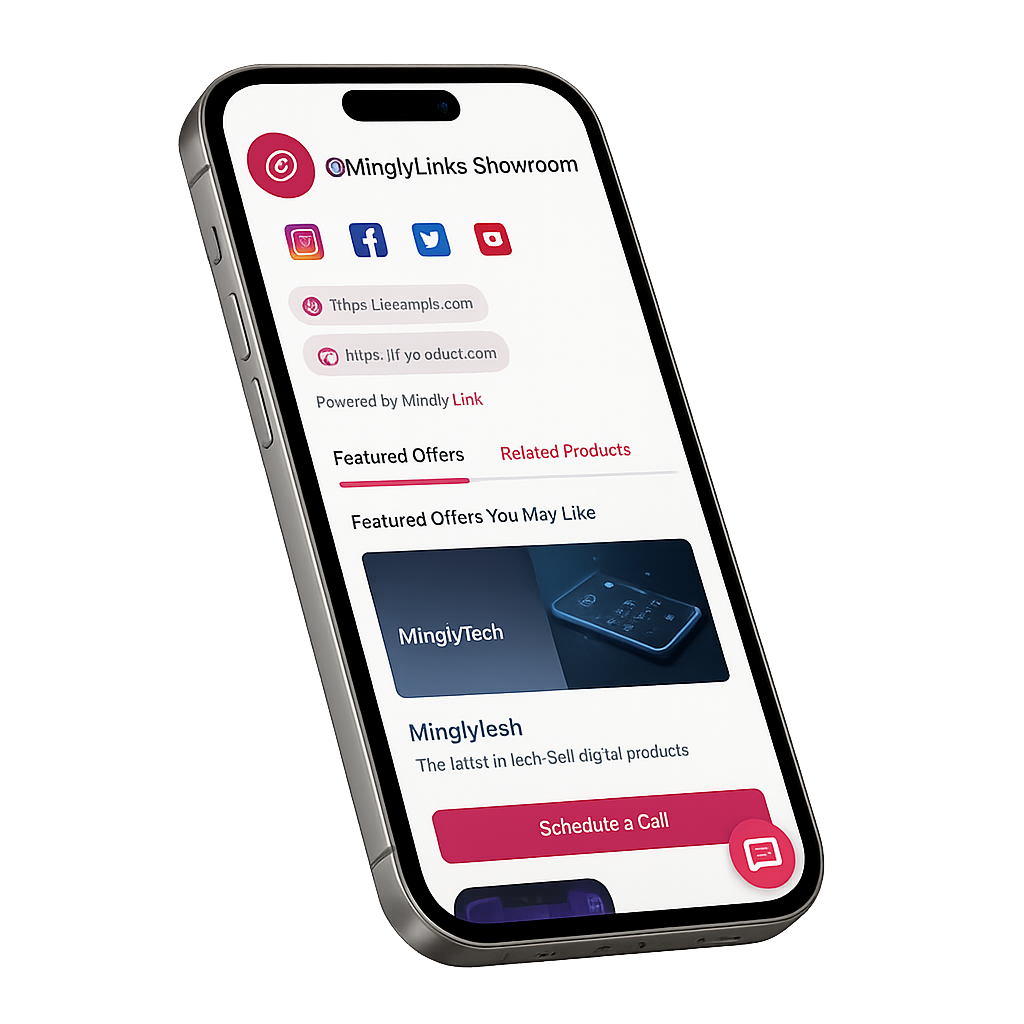
Step 2: Enable the shop in Settings and add a product
In the studio, open Settings and switch the shop on, then add your first product: a title, a price, your currency and a photo (the ones you already posted on Instagram work). Physical items and digital downloads both go in the same way.
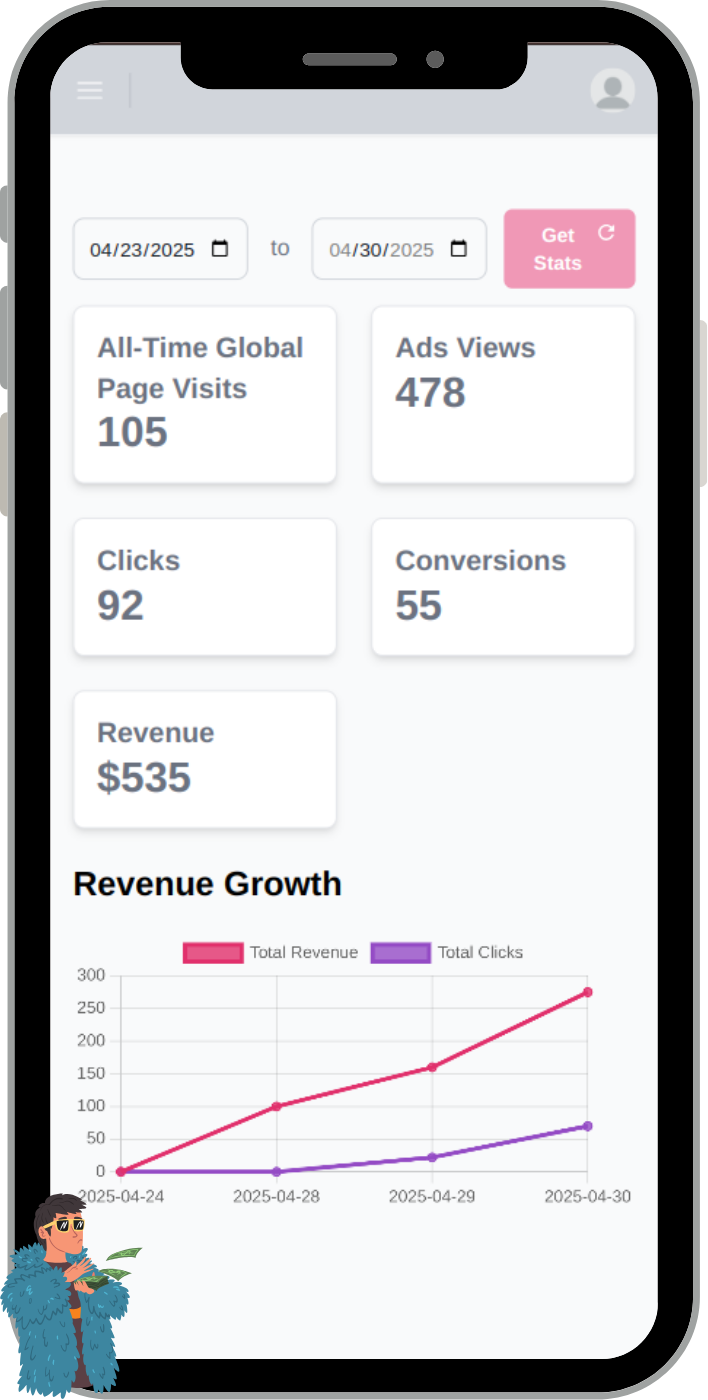
Step 3: Add your payment link so buyers know how to pay
MinglyLink does not process payments — you are paid through your own payment link. Add a Stripe Payment Link, a PayPal.me link or your bank details as a link on your page and in your saved WhatsApp reply, so every buyer knows exactly how to pay you.
Step 4: Put ming.ly/yourname in your Instagram bio
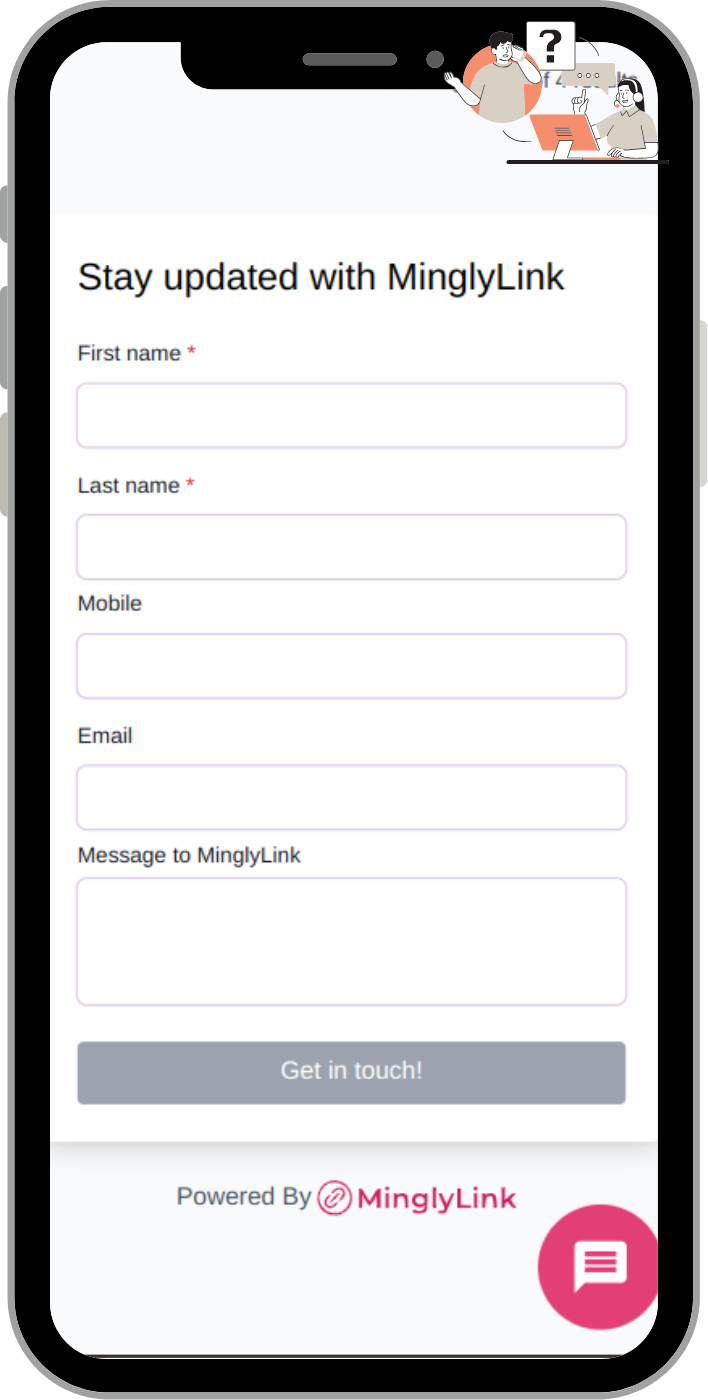
Paste your ming.ly URL into the website field of your Instagram profile, then mention it in captions and stories (“full catalogue — link in bio”). Followers tap once and land on your shop.
Step 5: Manage orders in the studio Orders page
Visitors add items to the cart and place an order on your page. Each order, with the buyer’s details, appears in the studio Orders page: move it from Pending to Confirmed, Shipped and Delivered as you go, and deliver digital files yourself.
That's the complete loop. The rest of this guide is about making each step work harder — and about the ceiling of this stack.
3 Turn Your Bio Link Into a Storefront
Instagram gives you one tappable link. Point it at a free MinglyLink page and that one link becomes a storefront: product listings with photos and prices, your other channels, and contact buttons — all on a page that loads fast on the phones your followers are using. Think of it as a free Shopify alternative for selling from your bio: no theme, no apps, no monthly plan — just your products and a way to order them.
A handful of products is fine to start — photos you already posted on Instagram work, with a clear price and one sentence of description. The mechanics of structuring that page — what goes first, link order, common mistakes — deserve their own guide: see Instagram Shop Link in Bio. If you sell digital products specifically (presets, templates, e-books), the flow is slightly different and covered in how to sell digital products on Instagram.
4 Take Orders on WhatsApp (Chat Commerce)
Without a checkout, the order happens in conversation — and that's a feature, not a workaround. Questions get answered before they become abandoned carts, you can upsell naturally, and the customer leaves with your number in their chat history.
Make starting that conversation effortless: create a free wa.me link for your number with a pre-filled message like "Hi! I'd like to order." and put it on your bio page as an "Order on WhatsApp" button. One tap from Instagram to an open chat with the order half-written. (Curious how those links work under the hood? Here's the wa.me format explained.)
Keep a saved reply ready on your side too — confirming item, price, delivery, and payment in one message makes you look like a shop, not a hobby.
5 Getting Paid Without a Checkout
Match the payment method to your situation rather than forcing a full checkout on day one:
- Payment links — most payment providers let you generate a link or invoice for a fixed amount; send it in the WhatsApp chat and the customer pays by card.
- Peer-to-peer transfers — where culturally normal (local sales, small amounts), instant transfer apps close the sale fastest.
- Cash / pay on delivery or pickup — still the default for local delivery in many markets, and it requires zero setup.
- On-page orders — MinglyLink's shop lets visitors add several items to a cart and place an order on the page itself, so the chat step becomes optional rather than required. You're still paid through the link you listed in step 3.
MinglyLink takes 0% of your sales. You get paid directly through your own payment link; the only fees are your payment processor’s (Stripe ~2.9% + 30¢). When MinglyLink-processed checkout launches, it will carry a small fee, and external payment links will stay at 0%.
Whichever you choose, say it upfront on the page and in your saved reply — payment friction is where chat sales die.
6 When You Eventually DO Need a Website
Honesty over hype: this stack has a ceiling, and you should know where it is before you hit it.
- Order volume — when confirming orders in chat eats hours daily, you need automated checkout, inventory, and shipping rates.
- Catalog size — dozens of SKUs with variants outgrow a scrollable page; you'll want search, filters, and collections.
- SEO ambitions — ranking for product searches on Google takes dedicated landing pages a bio-link page isn't built for.
- Wholesale and B2B — larger buyers expect a website as a trust signal.
Until one of those is true, the free stack isn't a compromise — it's the right size. And because your Instagram bio points at your own page URL, upgrading later means changing where buttons lead, not rebuilding your presence.
7 Frequently Asked Questions
Do you need a website to sell on Instagram?
No. Instagram is your discovery channel; beyond it you need a place to show products, a way to take orders and a way to get paid. A free link-in-bio shop page covers the first two — visitors add items to a cart and place an order on the page — and your own payment link covers the third. Thousands of small shops run exactly this stack.
Can I sell on Instagram for free?
Yes. A MinglyLink page with the shop enabled costs nothing: no subscription, no listing fees and a 0% MinglyLink fee on sales. The only cost is whatever your own payment processor charges (Stripe is about 2.9% + 30¢ per card payment; a bank transfer can be free).
Where does the money go?
MinglyLink takes 0% of your sales. You get paid directly through your own payment link; the only fees are your payment processor’s (Stripe ~2.9% + 30¢). When MinglyLink-processed checkout launches, it will carry a small fee, and external payment links will stay at 0%. In practice: the order lands in your studio Orders page, the buyer pays you through the link you listed, and you deliver the item.
How do I take orders on Instagram without a checkout?
Two routes that work together. On your MinglyLink page, visitors add products to a cart and place an order, which lands in your Orders page. For anything that needs a conversation first, a wa.me link opens a WhatsApp chat where the customer says what they want, you confirm price and delivery, and send your payment link. It scales surprisingly far before you need automation.
Is a link-in-bio store free?
MinglyLink is free: your links, product listings with an on-page cart and order system, bookings and analytics, with no subscription. Some alternatives charge monthly or take a percentage of every sale for the same features, so compare before committing your printed materials and bio to a URL.
When should I upgrade to a real website?
When one of these hits: you need a full automated checkout with cart and shipping rates, your catalog outgrows a single scrollable page, you want serious SEO landing pages, or wholesale/B2B buyers expect one. Until then, a website mostly adds cost and maintenance without adding sales.